DETAILS
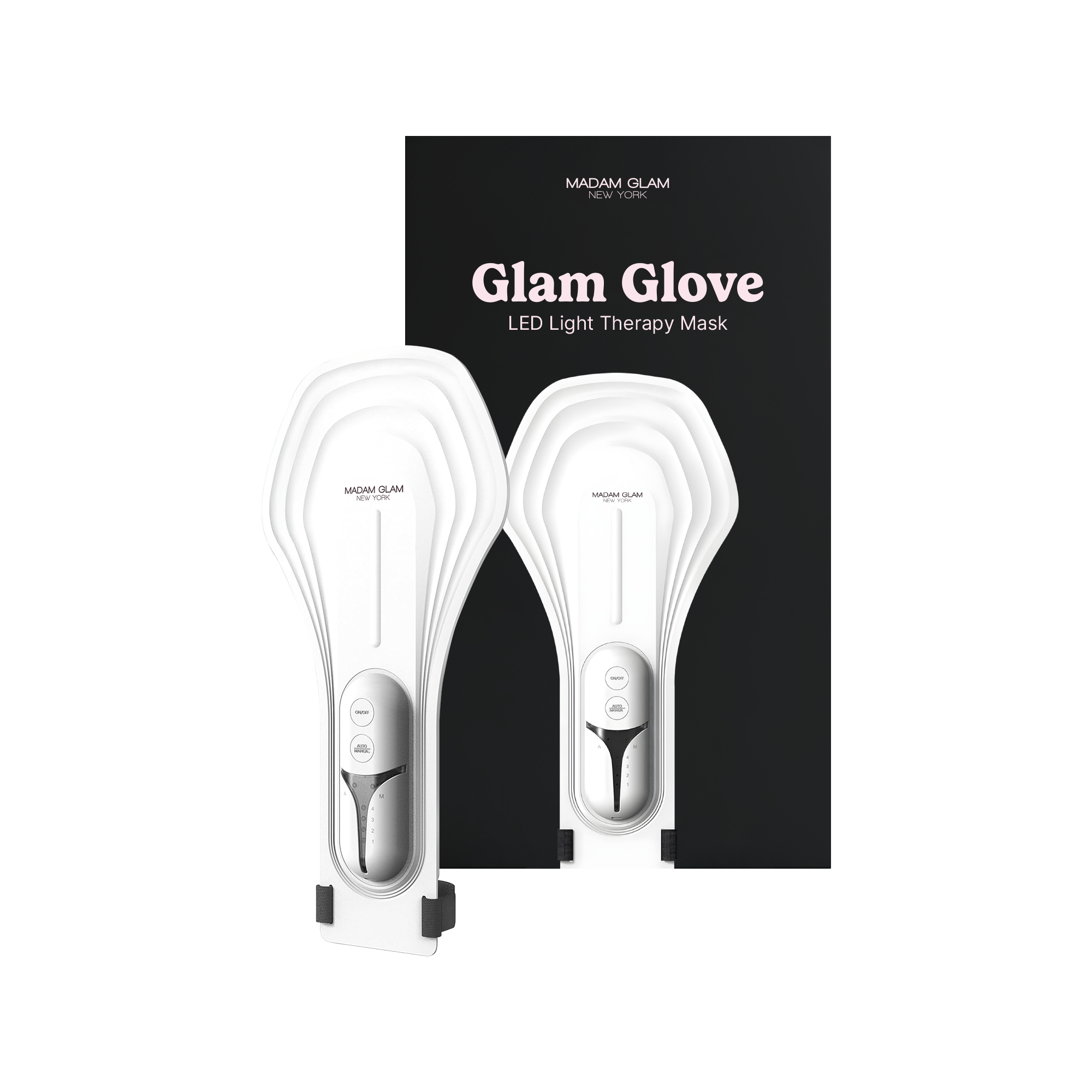
Glam Glove LED light therapy mask for the hands. Your at home solution for radiant, healthier looking skin, with four targeted LED modes and professional grade technology to address multiple skin concerns.
4 LIGHT MODES
Red LED Light (630nm, 108 LEDs): stimulates collagen and elastin production for firmer, smoother skin. Helps reduce inflammation, fine lines and visible signs of aging.
Blue LED Light (460nm, 108 LEDs): calms the skin, minimizes inflammation and supports faster healing. Ideal for improving texture and soothing blemish prone areas.
Purple LED Light (420nm, 216 LEDs: 108 Red + 108 Blue): combines the benefits of red and blue light to brighten skin tone, reduce hyperpigmentation and promote a more even complexion.
Near Infrared Light (850nm, 111 LEDs: 108 NIR + 3 Red): penetrates the deepest layers of the skin to enhance blood circulation, stimulate cellular regeneration and boost overall radiance. Helps calm redness and soothe sensitive skin.
HOW TO USE
1. Cleanse and dry your hands and wrist area before each use.
2. Put it on. Place the Glam Glove on your hand and wrist, then adjust and fasten the straps securely.
3. Turn it on. Long press the ON/OFF button to turn on the device in Manual Mode.
4. Choose the mode. The device starts with the Red LED Light by default. Press the ON/OFF button to cycle through and select your light mode, each mode appears on the display.
5. Auto shut off. The device turns off automatically once the preset time is complete.
6. After use, gently wipe the silicone surface with a soft, damp towel. Let it dry completely before storing.
7. Recommended routine: for best results, use it 3 to 5 times per week for 4 consecutive weeks.
MODES
Automatic Mode
After turning on the mask, press the Mode button once to switch to Automatic Mode. With no further action, the device starts automatically after 3 seconds.
Light sequence: Red Light 5 minutes, Blue Light 3 minutes, Near Infrared Light 4 minutes, Purple Light 3 minutes. The mask shuts off automatically once the full cycle is complete.
Manual Mode
The default mode, see How to use. If no action is taken within 3 seconds after 10 minutes of use, the device powers off automatically.